Adaptive gaming questions
Direct answers about combining devices, mapping controls, compatibility, and getting started.
What is adaptive gaming software?
+
Adaptive gaming software changes how a player’s available movements, sounds, and devices become game controls. It can translate inputs such as head movement, facial gestures, voice, switches, a mouse, or a controller into the keyboard, mouse, or gamepad actions a game expects. It can be used with a game’s accessibility settings and adaptive hardware.
How does PlayAbility work?
+
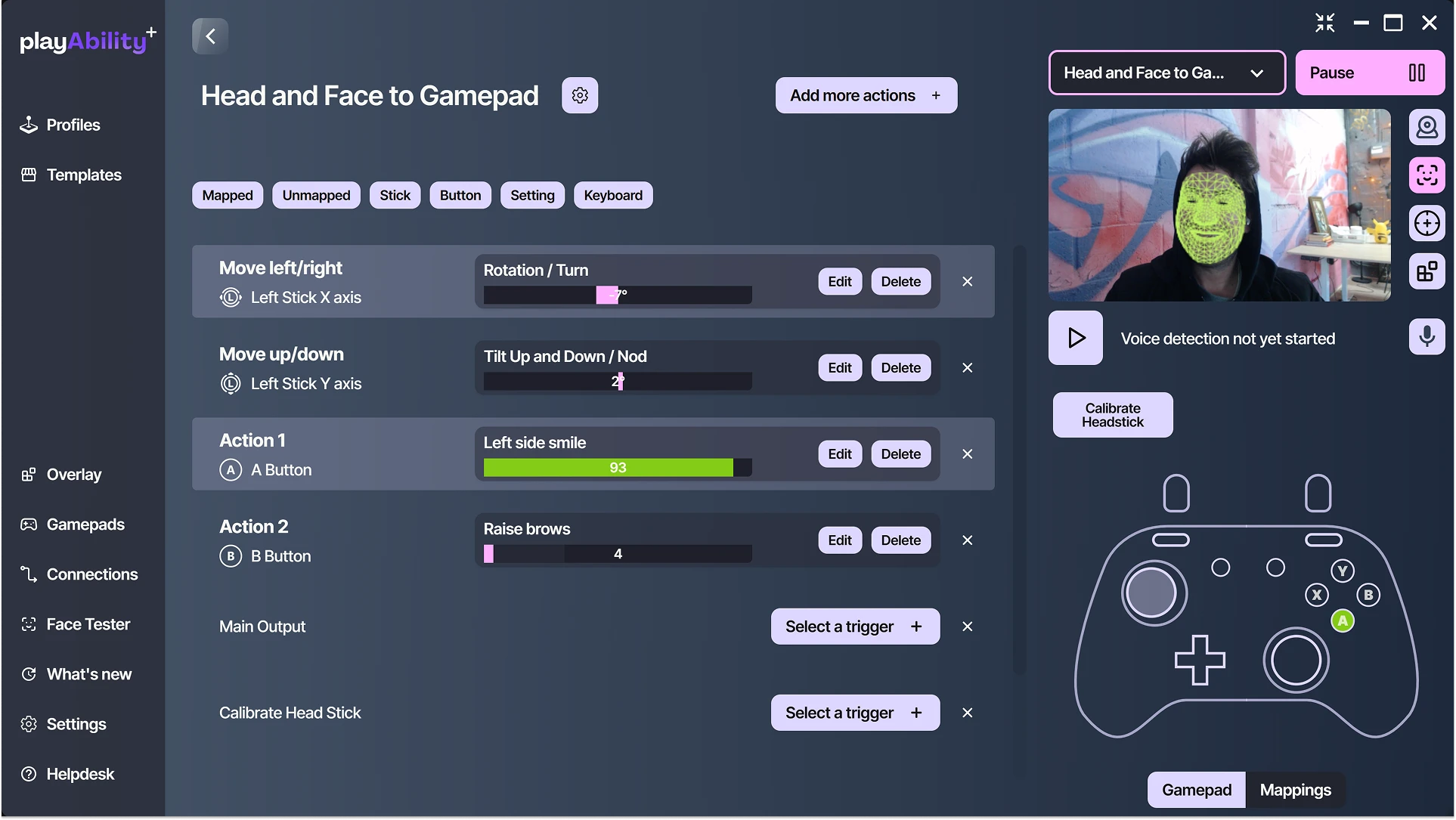
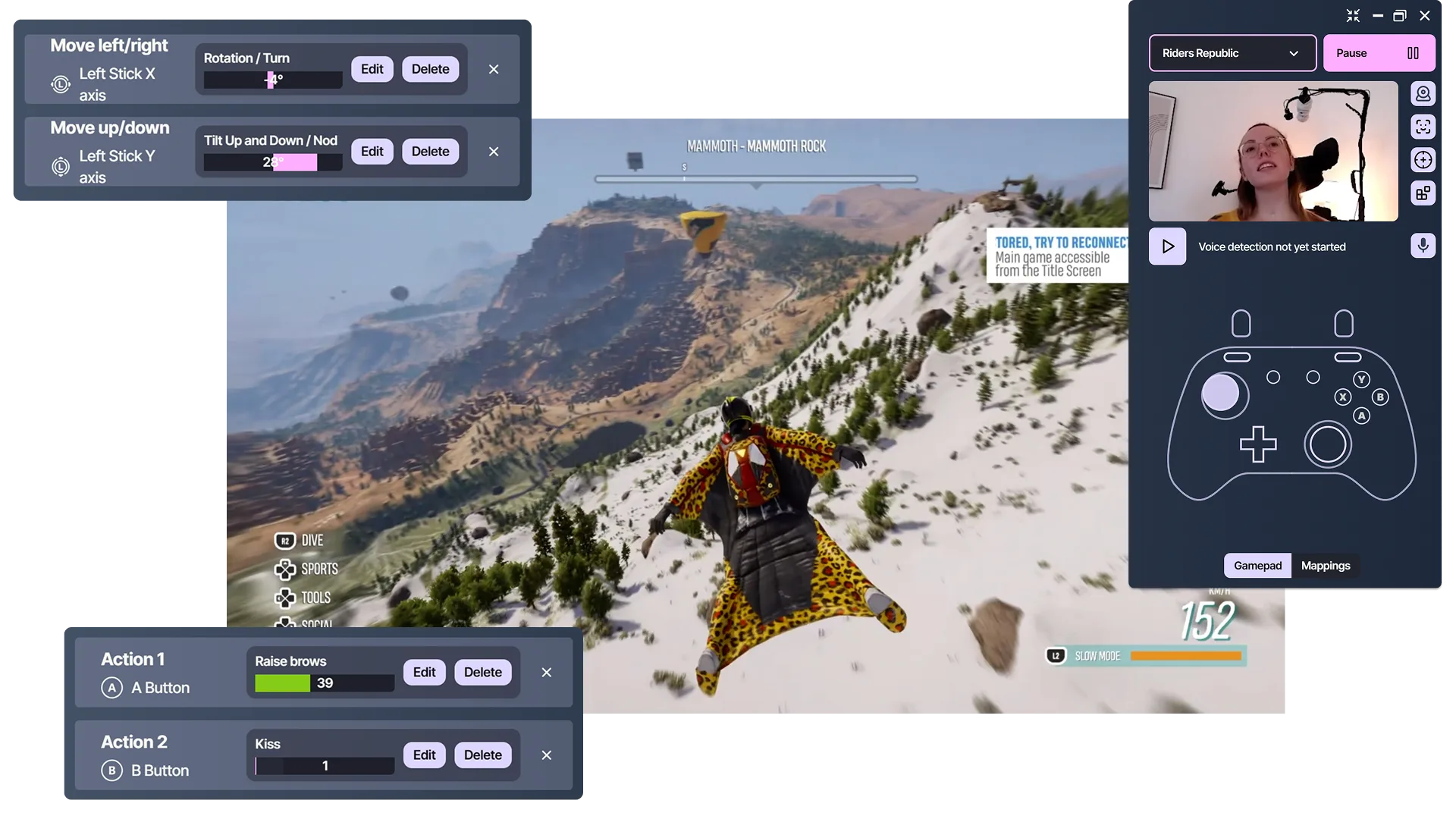
PlayAbility lets you create a profile that connects each chosen input to a gamepad, mouse, keyboard, or settings action. For example, head movement can control an analog stick while a facial gesture presses a button. The Windows app sends the mapped outputs that the game or application recognizes.
Do I have to stop using my current controller?
+
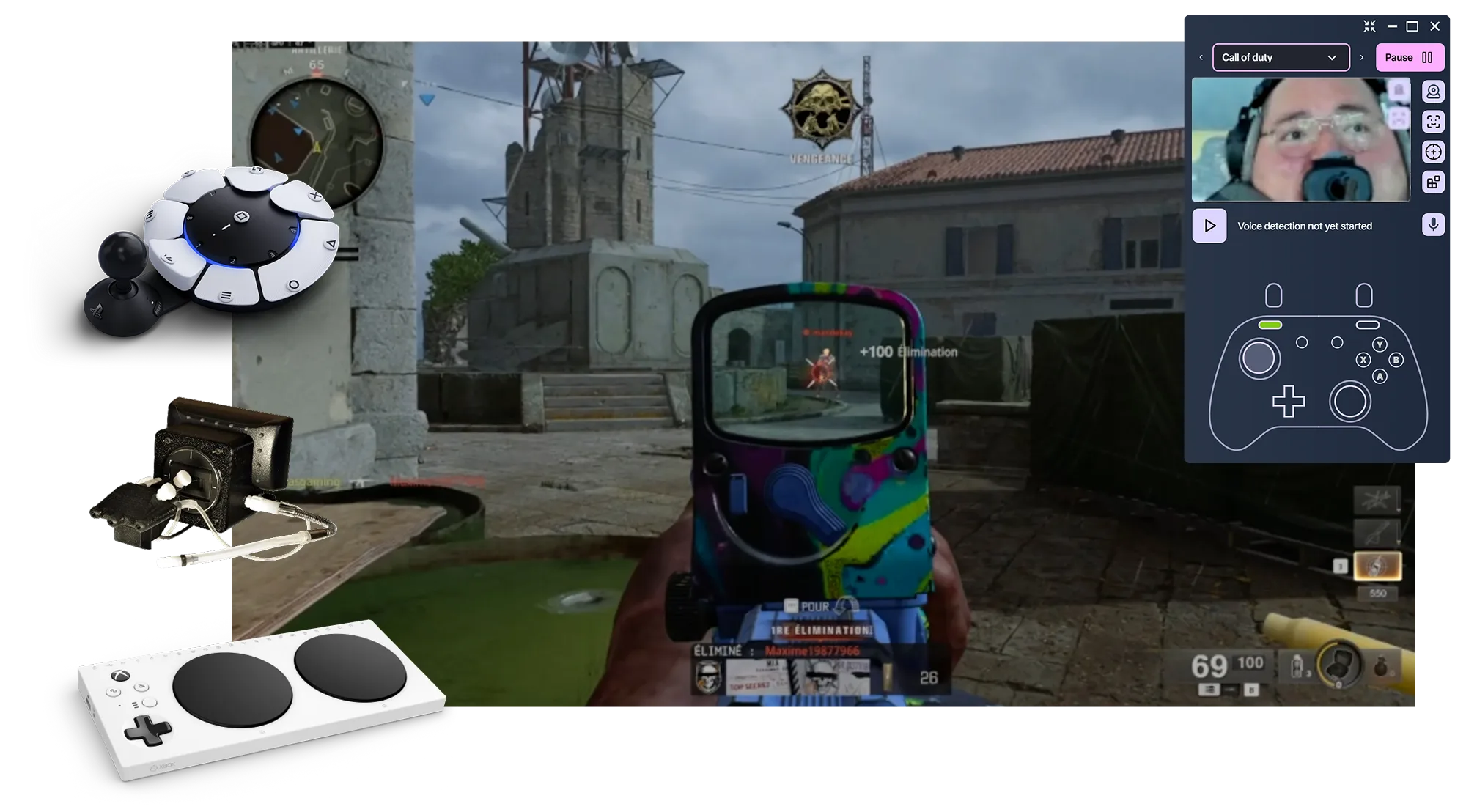
No. PlayAbility adds controls to the setup you already use. Keep your preferred inputs on a controller, keyboard, mouse, switches, joystick, or adaptive device, then place other actions on head movement, facial gestures, voice, an overlay, or another supported input.
Can I combine a controller with head movement, facial gestures, or voice?
+
Yes. A single PlayAbility profile can combine a controller with head movement, facial gestures, voice, keyboard, mouse, and supported adaptive devices. You might keep movement and frequent buttons on the controller, use head movement for camera control, and reserve voice for an occasional command. The mix can be adjusted for each game and player.
Does PlayAbility work with every PC game?
+
PlayAbility works with PC games that accept standard gamepad, keyboard, or mouse input. The game does not need a PlayAbility-specific integration. Compatibility and available actions still depend on the game, its input settings, other software in the setup, and the profile you create.
Do I need special adaptive hardware to start?
+
Not necessarily. For head movement or facial gestures, a compatible Windows computer and webcam can be enough to begin; voice also needs a microphone. PlayAbility can also work with supported controllers, switches, joysticks, and adaptive devices you already own. Additional hardware is only needed when it supports the setup you choose.
Is PlayAbility only for fully hands-free gaming?
+
No. Fully hands-free play is one option among many. PlayAbility also supports one-handed, controller-plus, and hybrid setups. Keep your preferred controls on an existing controller or adaptive device, then choose the actions you want to place on head movement, facial gestures, voice, an overlay, or another input.