
8BitDo Micro
Simplest setup
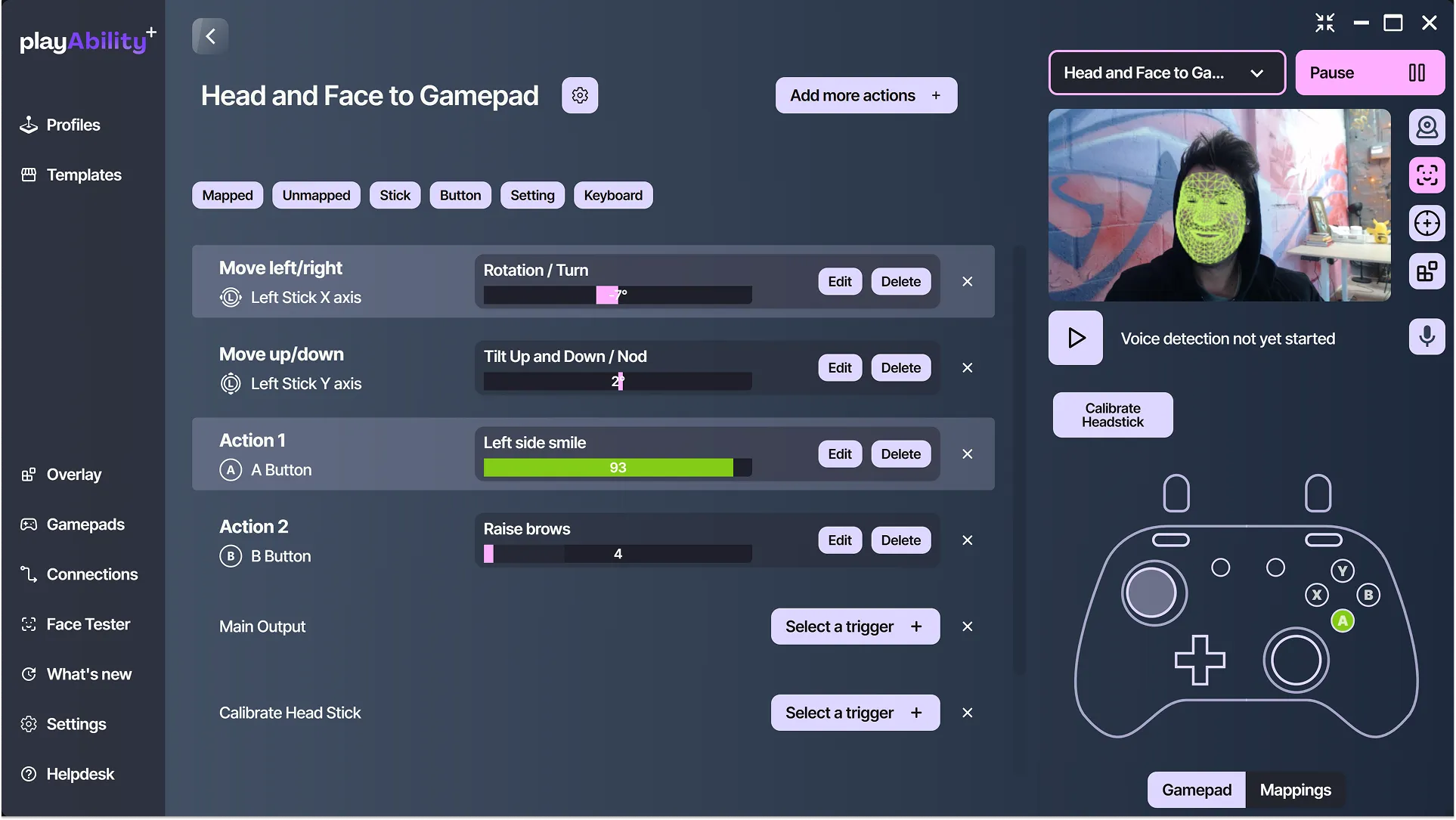
The Micro connects to your PC by USB and sends your controls to the Switch over Bluetooth.
Your controls, from PC to game
- Windows PC · PlayAbility
- USB → 8BitDo Micro
- Bluetooth → Switch / Switch 2
What you need
- 8BitDo Micro
- USB-C data cable
- PlayAbility firmware installed with the in-app updater
Before choosing
- The Micro cannot wake the console.
- Motion, vibration, and analog trigger values are not supported.
Where to get it
As an Amazon Associate I earn from qualifying purchases.